A shopping list ready from the week’s menu
Updated on 26 October 2026
In short
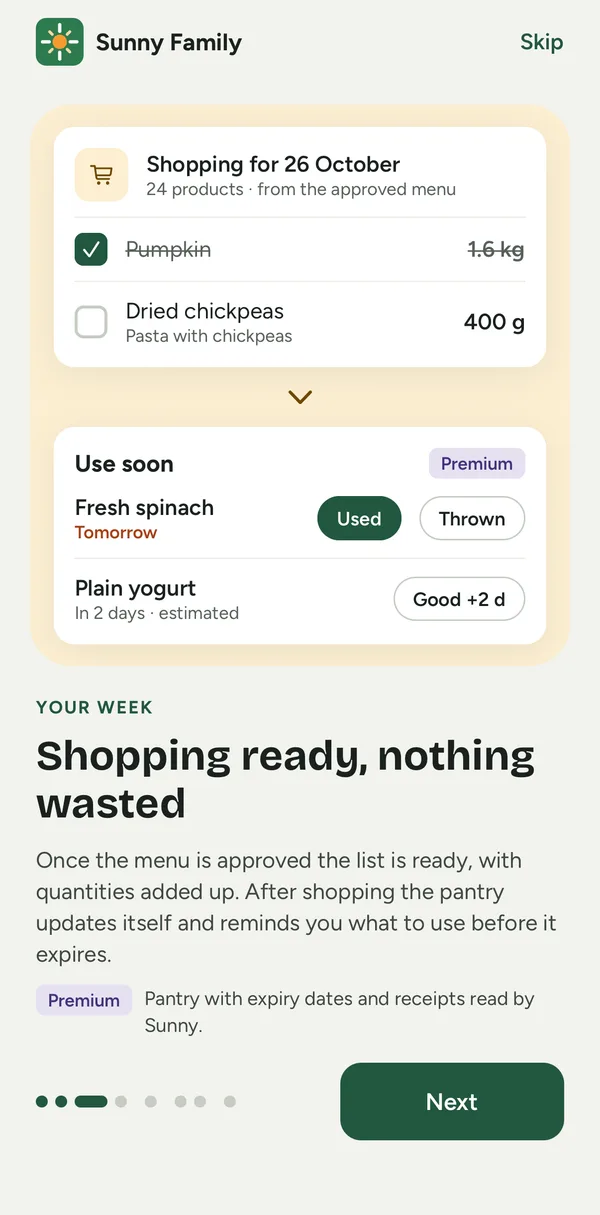
When you approve the menu, Sunny Family writes the shopping list with quantities already added up for the whole week. The list is shared with the household: whoever goes to the supermarket finds it on their phone and ticks items off.
How it works
- Approve the menu The list builds itself from the ingredients of every dish.
- Check the quantities The same ingredient across different dishes is already added up.
- Go shopping Tick items off as you pick them up: the whole family sees the same list.
Free or Premium?
The shopping list from the menu is included on both Free and Premium. On Premium, after shopping the items also move to the pantry with their expiry dates.
Compare plansFrequently asked questions
Is the list shared with the rest of the family?
Yes: everyone in the household sees the same list.
Can I add items that aren’t in the menu?
Yes, you can add items by hand.